Somewhere in your Sent folder is an email you would like back. A missing attachment. A "form" where you meant "from". A sentence that sounded brisk in your head and cold on the screen. The uncomfortable part is that these mistakes are rarely made by people who don't care. They are made by people who care a great deal and have already read the message five times.
Proofreading is a different job from writing, and it needs its own method. When you read your own draft, you read what you meant. The trick is to stop reading for meaning and start reading for evidence: missing words, wrong names, unopened files, a date that contradicts the one two lines above. Here are the fifteen checks worth running before you hit send.
First, the mistakes spellcheck ignores
Run the spelling and grammar checker, set the dictionary to your region so you are consistently British or American, then do the pass it cannot do for you.
- 1. Homophones. Form and from. Manger and manager. Loose and lose. Affect and effect. Its and it's. Your and you're. Theirs and there's. Search the draft specifically for the pair you personally mix up; almost everyone has one.
- 2. Repeated and dropped words. "Please send the the file." "I will to follow up." These appear when you rearrange a sentence and leave a word behind. Reading the longest sentence backwards, word by word, breaks the flow your brain is predicting and makes the gap visible.
- 3. Apostrophes and plurals. "The team's results" is one team; "the teams' results" is several. "It's" always means "it is" — the possessive is "its". Client names ending in s still take an apostrophe: "Ms. Jones's approval".
- 4. The mid-sentence rewrite. This is the most common error in business email. You change "we have sent the report" to "the report has been sent" and leave the verb behind, or you swap a singular subject for a plural one and keep the singular verb. Slow down on any sentence you edited while typing.
Cut the fog before you polish the grammar
A grammatically perfect email can still waste the reader's time. Once the mechanics are clean, tighten.
- 5. Untangle the noun stacks. "We will conduct a review of the onboarding documentation" becomes "we will review the onboarding documentation". If a sentence needs three commas before it reaches the verb, split it in two.
- 6. Number your asks. An email with one request gets answered. An email with four requests buried in three paragraphs gets one of them answered, usually the wrong one. If you need more than one thing, say so plainly: "Two things, both quick: 1) the signed contract, 2) the invoice number."
- 7. Delete the warm-up. "I just wanted to quickly reach out to see if you might possibly be able to..." means "could you". Cut "please be advised", "as per my last email", and "at your earliest convenience" — which reads as "whenever" to some people and "today" to others, depending on their mood.
Before: "Please be advised that the documentation in question has not yet been received by our team."
After: "We haven't received the signed contract yet. Could you send it by Thursday?"
Read for tone, not just correctness
- 8. Read it aloud once, in your own voice. Where you stumble, the reader stumbles. Then read it again in a flat, tired voice, because that is how it will land at six o'clock on a Friday.
- 9. Check the temperature. Short sentences stacked together read as curt: "Understood. Will do. Thanks." That is fine for a colleague you speak to daily and icy for a new client. Add one human clause. In the other direction, hedges dilute your authority — one "just" per email is plenty, and "sorry to bother you" before a legitimate work request makes the request sound illegitimate.
One more rule that belongs here: never send while irritated. Move the draft aside for ten minutes. Nothing you write in that gap will be worse than what you would have sent.
Formatting that respects the reader's time
- 10. Break anything longer than four lines. One idea per paragraph. A wall of text on a phone screen is where good requests go to die, and most of your recipients are reading on a phone.
- 11. Use a list for anything with more than two items. Keep the bullets parallel — all starting with a verb, or all starting with a noun. Mixed lists look tidy and skim badly.
- 12. Bold the one thing you need, and nothing else. Emphasis works like a raised voice: useful once, noisy when repeated. Also check the plain-text version if your message will be pasted into a CRM, ticketing system or project tool, because bullets and bold often vanish in transit.
Attachments and links: the silent failures
- 13. Open every attachment before you send it. Confirm it is the right version and the right file. Then look at the filename, which is the first thing the recipient sees: "Q3 budget v4 FINAL (2).pdf" tells them you are unsure. Name it for them instead — "Acme_Q3-budget_September.pdf". If it is a PDF, check it opens on a phone. If it is a spreadsheet, check the tab you meant is the first one.
- 14. Click every link. Check that a shared document is set so the recipient can actually open it, and that the link points to the file rather than to your whole drive. An access request landing in someone's inbox undoes a very friendly email.
The last sixty seconds
15. Do one pass that is only about people. The spelling of every name — first name, surname and company name, which is the error nobody forgets. Correct job titles. Correct To, Cc and Bcc fields; check twice before using reply-all. And confirm the subject line still matches the message. If it began as "Quick question" and has turned into a deadline, say so in the subject.
Then read the whole thing top to bottom without changing a word. You are not editing now; you are reading as the recipient, checking that the first sentence tells them why this matters and the last one tells them what happens next. If your email client allows it, schedule the send five minutes out. Those five minutes catch more mistakes than any checklist.
The version to keep on your desk
You will not run all fifteen in order every time. On a normal day, three or four of them catch the errors you actually make — and most of us have a personal pattern. The missing attachment. The "from/form". The second paragraph that rambles because we were thinking out loud. Learn yours, and the list shrinks into a habit you barely notice.
The short version, for the days when you have ninety seconds:
- Homophones and repeated words.
- Apostrophes.
- Sentences you rewrote mid-flow.
- Buried verbs, numbered asks, warm-up phrases.
- Read aloud; check the temperature.
- Shorter paragraphs, parallel bullets.
- Open the files; click the links.
- Names, recipients, subject line.
- One clean read as the reader.
An email that arrives clean, clear and correctly addressed is a small professional courtesy. It is also, quietly, the cheapest reputation you will ever build.
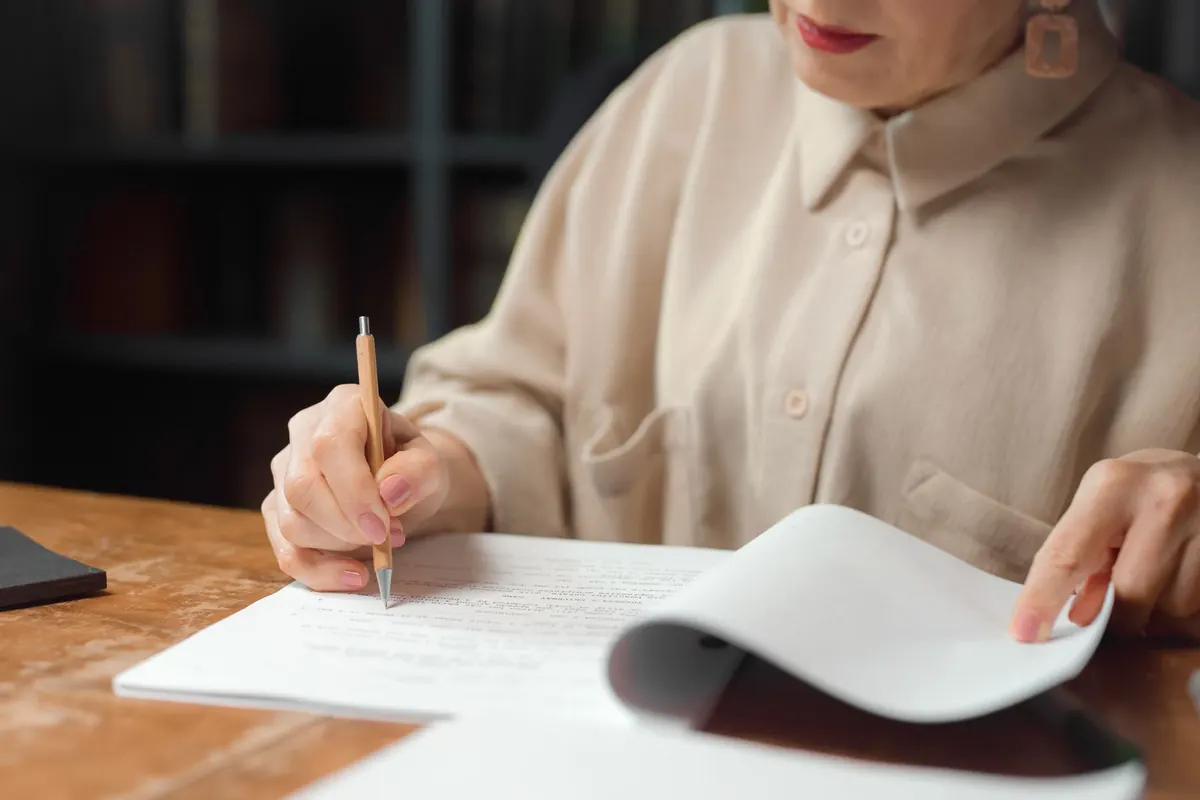
Photo: StartupStockPhotos / Pixabay